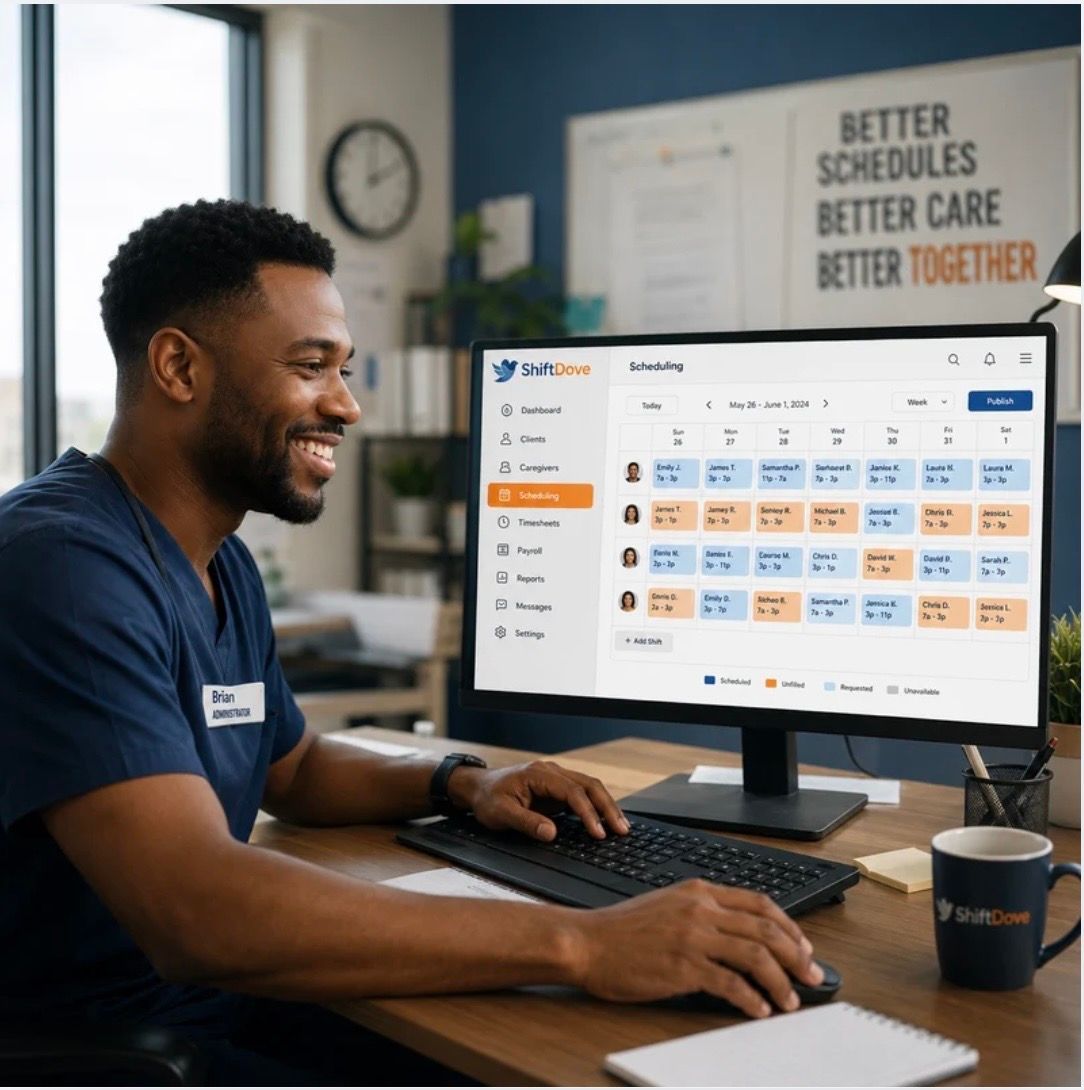
If you run an NDIS or aged care service, you already know the drill. Monday morning arrives and your coordinators are buried: chasing staff to confirm weekend shifts, manually cross-referencing a spreadsheet with a group chat, reconciling paper timesheets before the payroll cut-off.
It doesn't feel like a crisis. It just feels like Tuesday.
But when we add it up, most providers with 20–50 staff are losing 8 to 12 hours of coordinator time every week to tasks that should take minutes. Here's where it goes.
Where the hours disappear
Shift confirmation takes far longer than it should. Without a system that tracks acknowledgements, coordinators default to direct messages, one staff member at a time on WhatsApp, hoping for a reply.
Timesheet collection is the next bottleneck. Staff submit hours through whatever channel is easiest for them: a photo of a paper form, a voice message, or a text. Someone has to chase the missing ones and key everything into payroll manually.
Last-minute cover is the one that causes real stress. When a support worker calls in sick at 6am, the coordinator scrolls through a contacts list hoping someone is available and qualified for that client. There's no visibility into who's rostered elsewhere, who has the right certifications, or whose availability actually matches.
Documentation follow-up rounds it out. Progress notes, incident reports, and medication records get filed late, or not at all, because there's no prompt and no single place to find them.
The compounding cost
Eight hours a week is a conservative estimate. For a coordinator earning $75,000 a year, that's roughly $15,000 in salary spent on tasks that don't require human judgement. Just a better system.
There's also the invisible cost: delayed documentation creates compliance risk, and coordinators who spend their days firefighting are less available to actually support clients and staff.
What changes first
The fastest wins tend to come from three places.
- Shift acknowledgement. When staff receive a shift and confirm it through a single app rather than a group chat, coordinators get real-time visibility. No more chasing.
- Digital timesheets. Staff clock in and out on their phone. The timesheet is already there at the end of the shift, attached to the correct client and service agreement. Payroll imports it directly.
- Availability and credential visibility. When you can see at a glance who's free, who's trained for complex care, and who's already rostered, filling a gap takes five minutes instead of forty.
None of this requires a major change management project. Providers who move from spreadsheets to purpose-built workforce software typically see the admin reduction within the first fortnight.
A reasonable question
"Our team has been doing it this way for years. Will they actually use new software?"
The answer depends on how the tool is designed. Systems that require staff to log in on a desktop, navigate a complex interface, or remember a password are abandoned quickly. Systems that work on a phone, send push notifications for upcoming shifts, and let a worker clock in with two taps — those get used.
The best signal is whether the tool was designed for the people actually doing the work, not just the people managing them.
If you're spending more than an hour a day on shift admin, it's worth asking whether the process is the problem, or the tooling underneath it.